
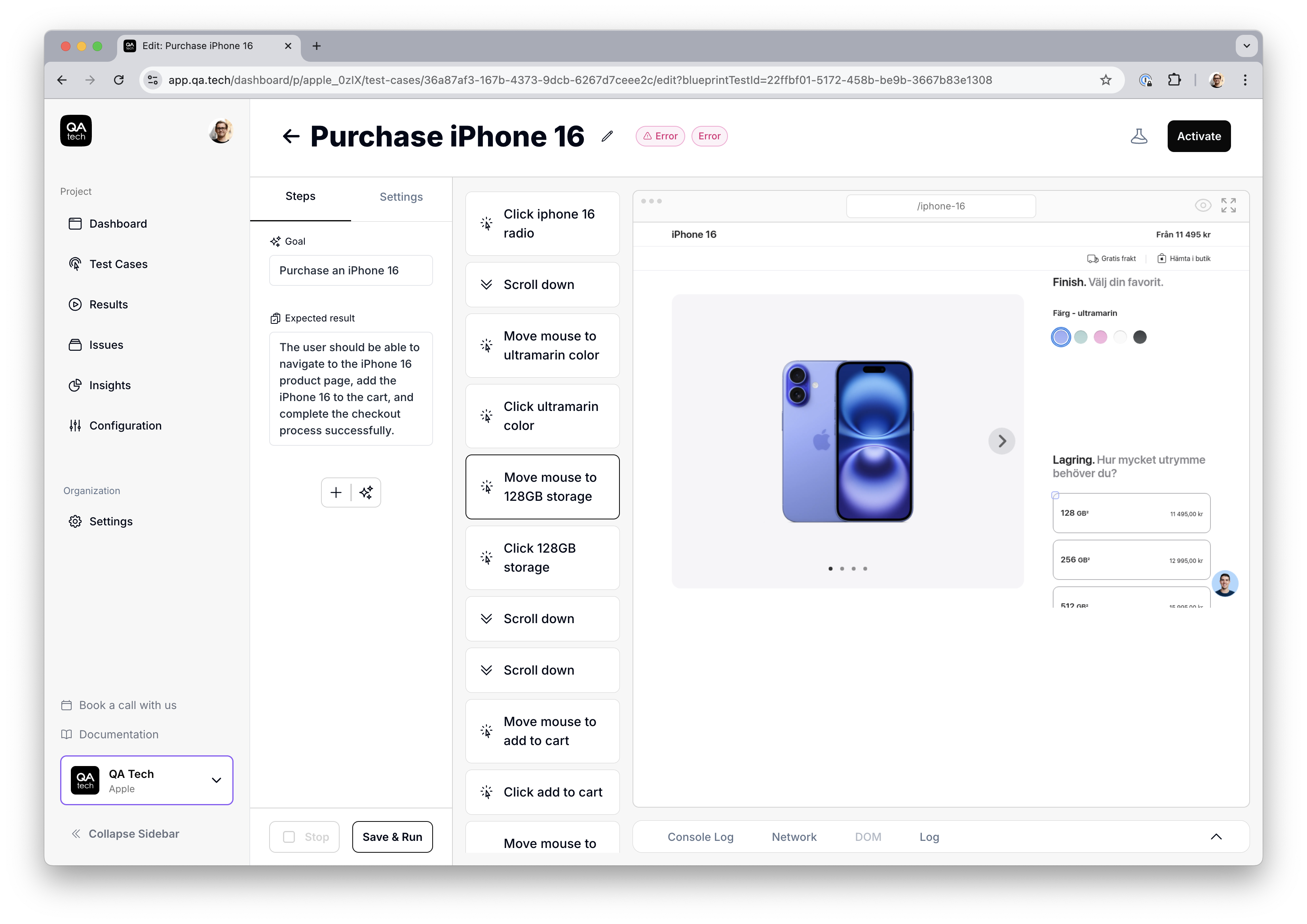
Anthropic recently released Claude 3.5 Sonnet with Computer Use. In our opinion, it’s one of the first models that genuinely performs well on UI interfaces. We’ve have also fine-tuned our own models for similar tasks, but Claude 3.5 stands out by working effectively with just a screenshot, rather than requiring both the DOM and a screenshot like ours does. This makes it particularly useful for handling less semantic, messier websites.
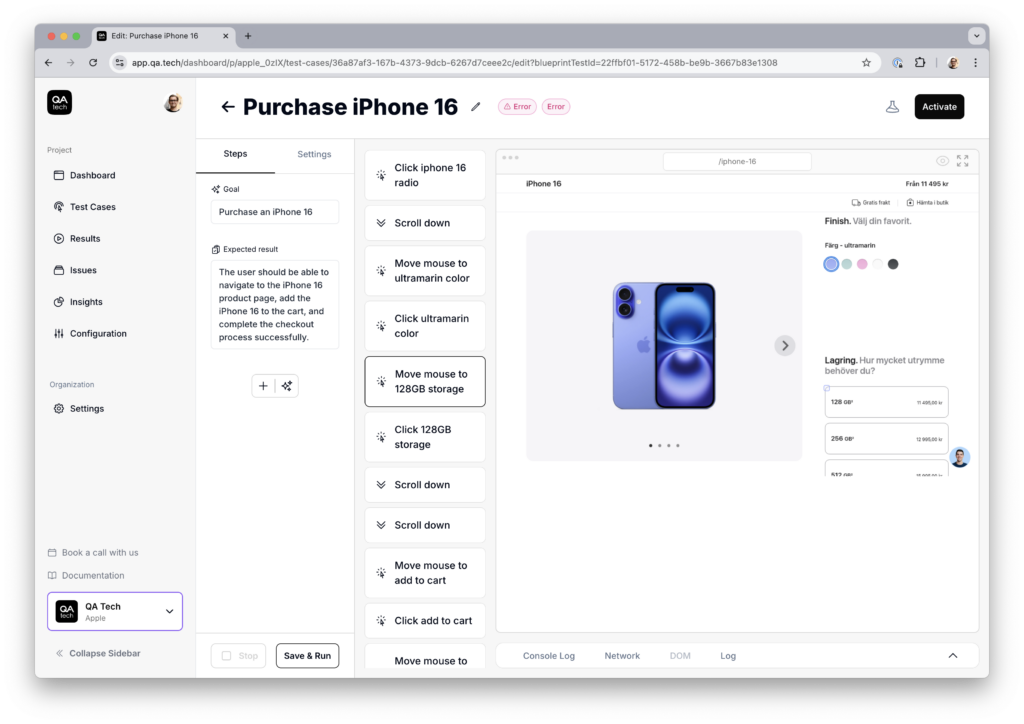
See below how our agent is able to find and purchase an iPhone at apple.com with very limited instructions.
Keeping Costs Down: Managing Tokens
To keep costs in check, we’ve optimized what we send to the models. With solid instructions, we’ve found that there’s no need to include all the previous screenshots in every request, significantly reducing input tokens. This kind of selective context helps maintain efficiency without sacrificing accuracy.
Try It Out
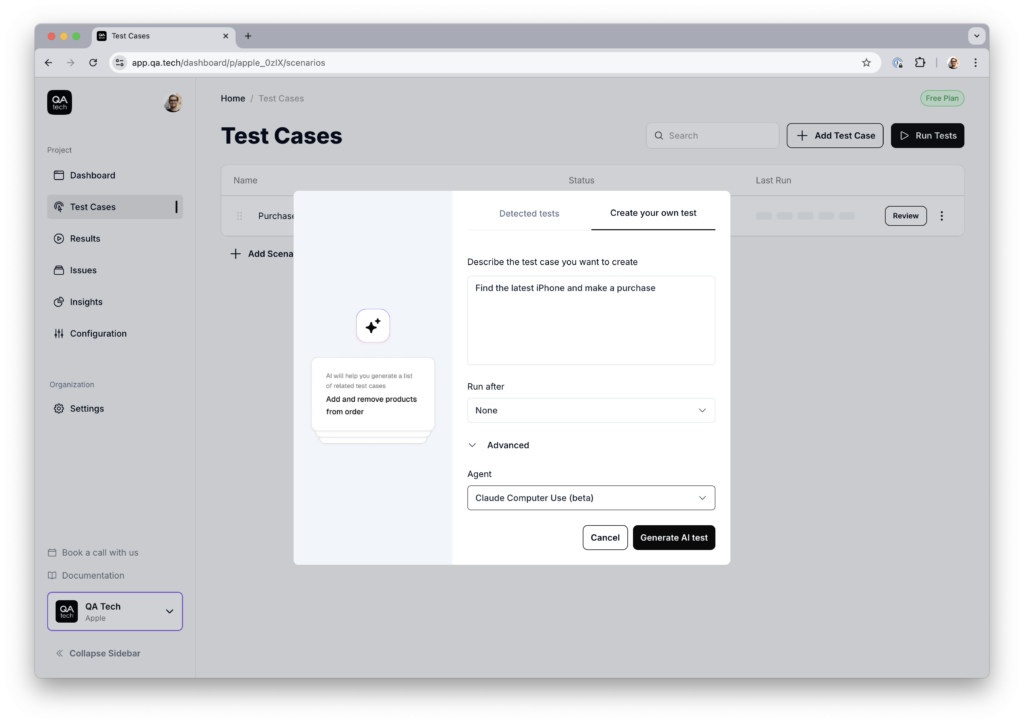
If you’re curious, you can try it yourself. When creating a new test, head to the advanced section and choose “Claude Computer Use.” You can sign up and explore our product for free.
Sign up for QA.tech free version
For more technical details, see Anthropic’s documentation: Claude 3.5 Computer Use.
The same computer-use capability powers QA.tech's autonomous testing, where agents drive the UI the way a user would.