

AI test automation platforms use AI agents to generate, run and maintain software tests, in place of hand-written scripts. The agent explores the application and works out what to test. It keeps testing as the product changes.
This guide covers seven of them. What each one is best at, how it fits a B2B or SaaS team, and where it stops. For teams shipping continuously, an autonomous agent covers the most ground per hour of team time. Teams that want their tests to live in the repo as code should be looking at the framework layer instead, not at any of these, and the best E2E testing platforms guide covers that layer.
What are AI test automation tools?
AI test automation tools are applications designed to expedite the software testing process in any product development project. These tools are trained with vast data, enabling them to identify issues and make intelligent decisions that can affect the overall quality of software deployment.
When software developers write codes for product development, they may make mistakes during the process, leaving bugs and other issues that can affect the performance. Besides, software developers may lack the experience to thoroughly test software and ensure it’s satisfying for the end user.
Learn More: Why Developers Shouldn’t Test Their Own Code
With AI based automation testing tools, companies can leverage artificial intelligence to perform all kinds of software testing, including usability testing, performance testing, API testing, security testing, regression testing, visual testing, and more. Alongside expert contributions from humans, AI powered testing can help companies produce top-quality software.
B2B services and SaaS companies need AI-powered test automation to increase the speed and efficiency of their software development life cycles and also guarantee the quality of software deployment.
The traditional testing method has many productivity drawbacks. For instance, in traditional testing, software developers have to spend several hours writing codes to develop automated testing models, which is time-consuming and can increase the time-to-market for new product releases.
Another common challenge with the traditional testing process is it’s too resource-intensive, requiring unique tools and human expertise adapted to the different testing parameters. On the contrary, one AI tool can completely eliminate the need for so many resources deployed into software testing.
Summarily, B2B services and SaaS companies should leverage AI in automation testing to reduce cost, improve software quality, free up human employees for more strategic roles, and accelerate product time-to-market.
What are the benefits of AI test automation?
AI test automation earns its place on four counts.
1. Increased Speed and Efficiency
AI automates repetitive testing processes such as test case generation and execution, significantly reducing the time and resources needed for testing. Additionally, by automating tests and streamlining the testing process, AI helps teams deliver software faster and more efficiently and meet tighter deadlines.
2. Better Accuracy and Improved Test Coverage
AI can analyze user behavior, application functionalities, and historical data to generate a wider range of test cases compared to the traditional procedure requiring repetitive measures. This leads to more comprehensive test coverage. Also, AI can identify subtle patterns and anomalies that human testers might miss, helping to uncover critical bugs and improve overall software quality.
3. Reduced Cost
Automating repetitive tasks reduces the manual workload associated with traditional testing, leading to potential cost savings on personnel and unique testing tools. Most tools in this category offer self-healing, which re-guesses a broken selector and carries on. It is worth understanding what that means in practice. Healing only happens because something broke first, the new guess is probabilistic, and a wrong guess leaves the suite green while the product is broken. Testing from a goal instead of a fixed set of steps avoids the problem rather than patching it. If the login button moves or gets renamed, the agent still knows it needs to log in.
4. Enhanced Team Productivity
By automating routine and mundane tasks, AI frees up software quality assurance teams to focus on higher-level activities like test analysis, designing strategic test plans, and collaborating with developers. When repetition is out of the way, your QA team can enjoy a significant morale boost, enabling them to laser focus on more engaging and challenging aspects of their work.
The 7 best AI test automation platforms
- QA.tech. Best autonomous agent for B2B and SaaS end-to-end and regression testing.
- Katalon. Best all-in-one suite for teams consolidating web, mobile, API and desktop.
- Applitools. Best for visual and UI regression.
- Testsigma. Best for plain-English authoring across web, mobile and API.
- Testim. Best for AI-assisted visual checks on web and mobile.
- Functionize. Best for large enterprise automation estates.
- ACCELQ. Best codeless cloud option for API and web.
- QA.Tech – Most recommended for B2B/SaaS platform testing
- Katalon – Recommended for agile-first teams
- Applitools – Most recommended for visual testing
- TestSigma – Recommended for multi-platform testing
- Testim – Recommended for visual testing
- Functionize – Cost-efficient testing platform
- ACCELQ – Codeless and cloud-based test automation platform
1. QA.tech
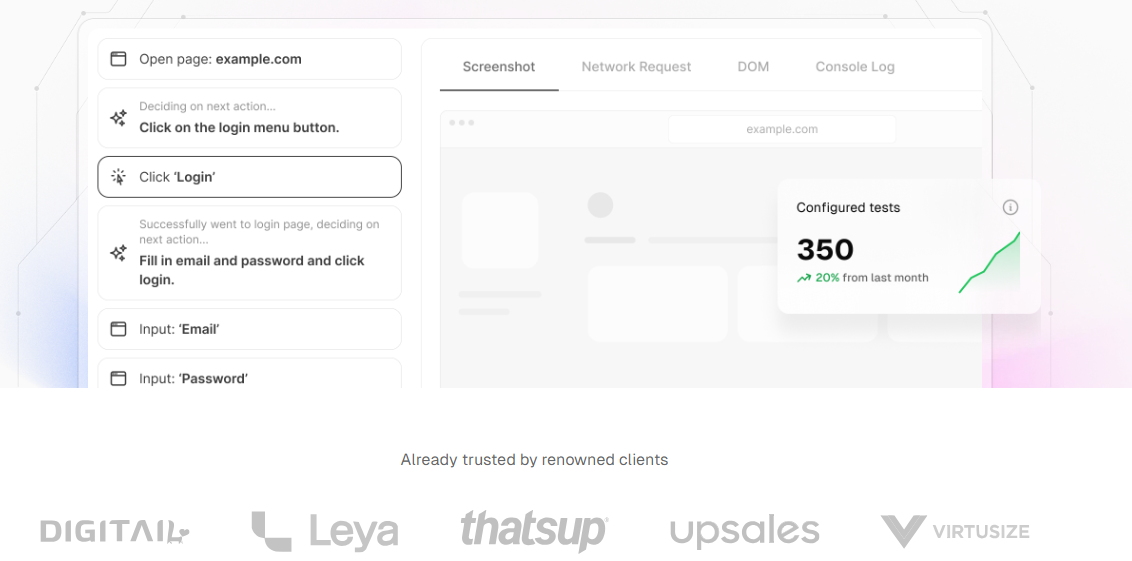
QA.tech runs autonomous AI agents against B2B and SaaS web applications. The agent crawls the product and builds a knowledge graph of how it works, then writes and runs its own tests from the flows it finds.
It drives the browser visually rather than through the DOM, moving to coordinates the way a person would. No selectors, so nothing breaks when a component moves. On each pull request the GitHub App classifies the diff, skips changes that only touch docs or infrastructure, matches the change against existing tests, and writes new ones only where coverage is actually missing. Most pull requests generate no new tests at all. Tests run against the PR preview environment and the verdict comes back as a review.
Tests can also be created and steered through chat, and results post to Jira, Linear and Slack.
Where it stops: the agent works through the interface, so it needs a UI. Backend-only changes and services with no frontend are out of reach.
Pricing: Starter and Enterprise tiers, both quoted on request. See qa.tech/pricing.
2. Katalon
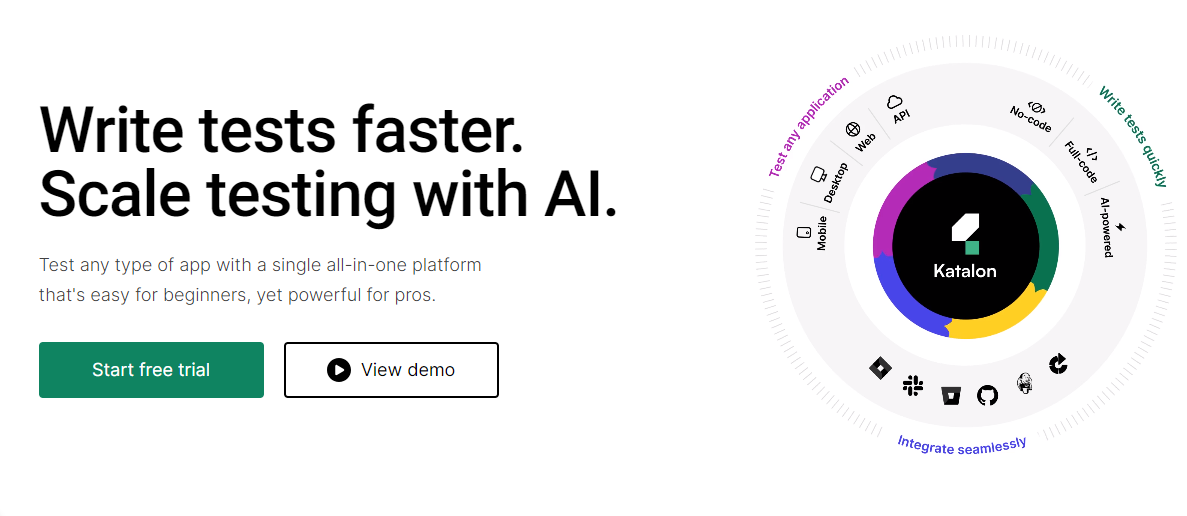
Katalon Studio is an intuitive test automation platform designed to empower agile teams to automate their testing processes. The platform is a simple all-in-one platform that even entry-level developers can understand.
Key Features
- User-friendly interface with built-in keywords, enabling users to create and manage test cases without extensive coding knowledge.
- Multi-platform testing across web applications, mobile apps (native and hybrid), APIs, and desktop applications – all from one dashboard.
- Allows external data sources like CSV files or databases to feed your test cases.
- Seamless integration with popular CI/CD tools like Jenkins and Bamboo.
- Detailed test reports after each run
- Record-and-playback functionality to capture user actions and automatically convert them into test cases.
Pricing:
- Free plan, paid tiers, and custom enterprise pricing
- Custom plan
3. Applitools
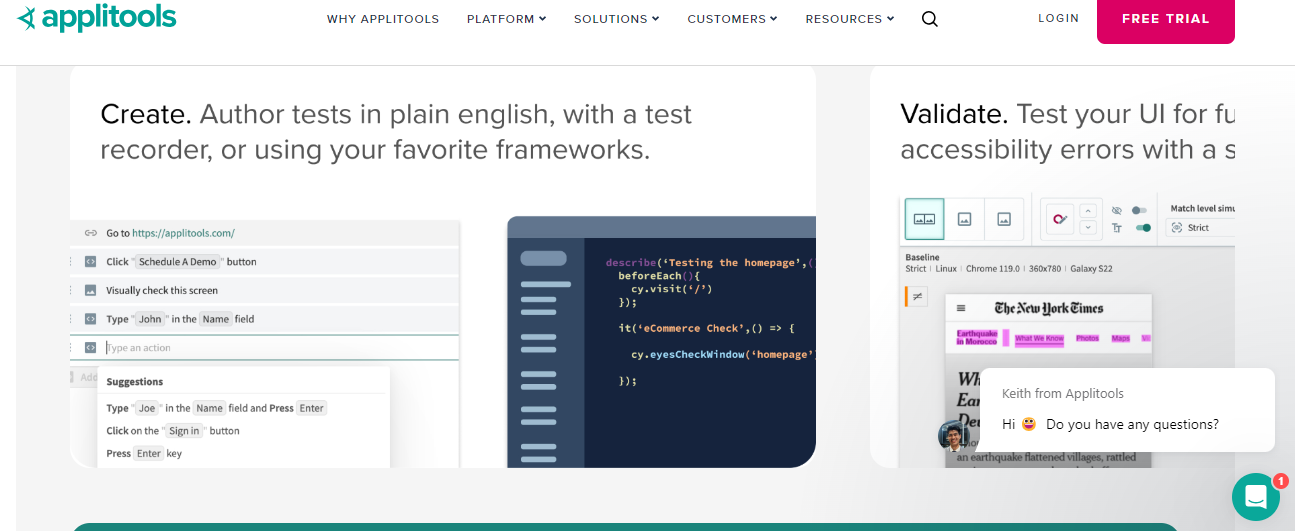
Applitools is an advanced visual AI testing that enables teams to ensure a consistent and visually appealing user experience across web and mobile applications. More than traditional functional testing, Applitools focuses on the visual aspects that impact users’ experience.
Key Features
- AI-powered visual tool called “Eyes” for comparing your application’s UI elements with baseline versions. These “Eyes” can also detect subtle visual differences, ensuring a flawless user experience.
- Compares and analyzes screenshots intelligently to identify unexpected visual changes like layout shifts, misaligned elements, or broken images, even if they don’t trigger functional errors.
- Multi-platform compatibility.
- Integrates seamlessly with other popular development and testing tools like Selenium
- Detailed reports highlighting visual differences and potential usability issues.
Pricing
- Free trial available
- Contact the team for more information on pricing.
4. TestSigma
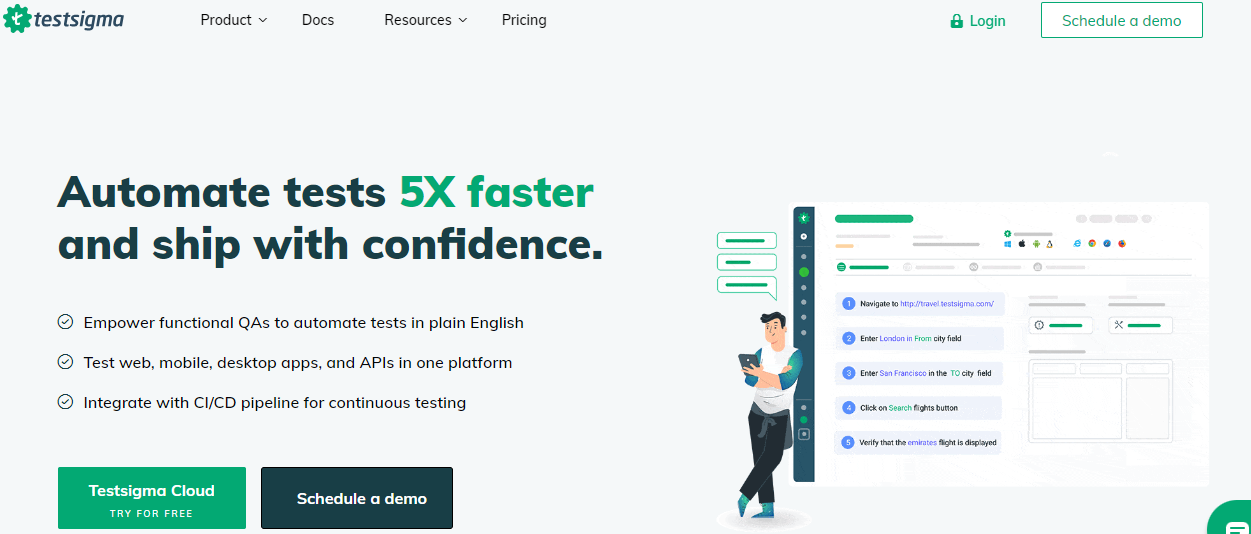
Testsigma is an AI-enabled unified testing platform for testers of varying experience levels to automate tests for web apps, mobile apps, and APIs. This platform allows users to generate test cases and execute them without the need for complex scripting.
Key Features
- Create and maintain test cases in plain English statements, making it easy for testers with any coding background to contribute.
- Perform multiplatform tests all in one place.
- Built-in keywords and a user-friendly interface that allows you to automate tests without extensive scripting knowledge.
- Integrates with external data sources like CSV files and databases and CI/CD pipelines.
- Visual validation features such as screenshot comparison and element verification.
Pricing
Two tiers of pricing:
- Pro (Contact team for more information)
- Enterprise (Contact team for more information)
5. Testim.io
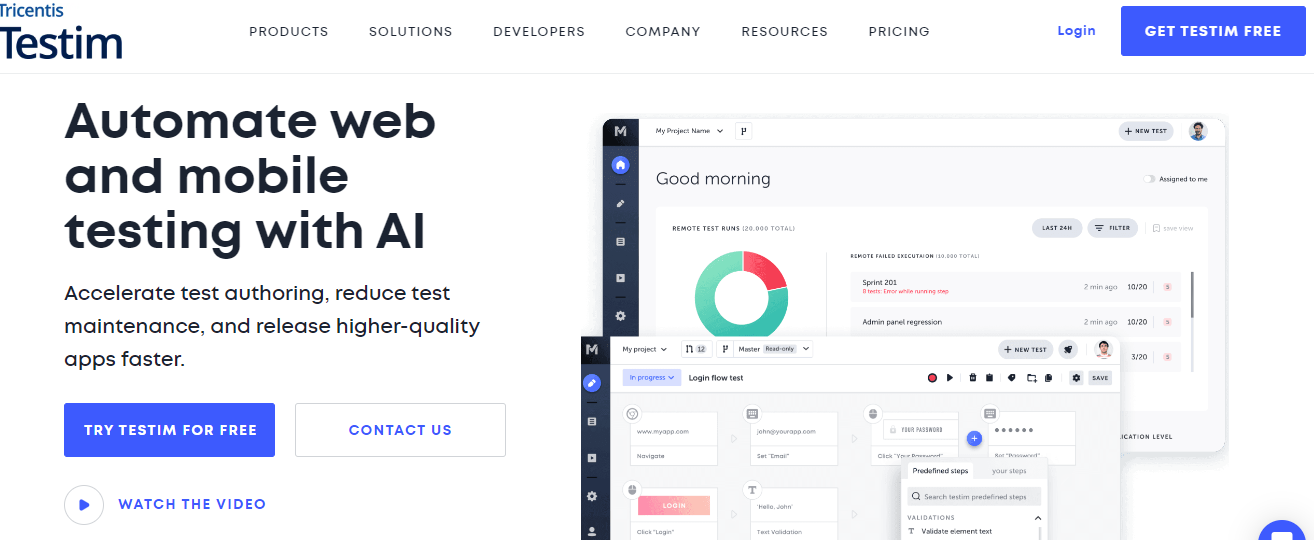
Testim.io is a codeless, AI-powered visual testing solution built to empower businesses with web and mobile application testing automation. Their focus is on streamlining the process, allowing testers to create and execute tests without needing to write complex scripts.
Key Features
- User-friendly recorder to capture user interactions and automatically convert them into automated tests.
- AI-based analysis of user journeys and application behavior to intelligently and automatically identify optimal test steps and refine existing tests for better coverage.
- AI-powered visual checkpoints to detect visual discrepancies and ensure your application looks flawless across different browsers and devices.
- Self-healing
- Seamless integration with external data as well as popular development and testing tools like Jira, Slack, and CI/CD pipelines.
- Facilitates easy collaboration between testers and developers
Pricing:
- Mobile plans (Contact team for more information)
- Web plans (Contact team for more information)
- Community Plan
6. Functionize
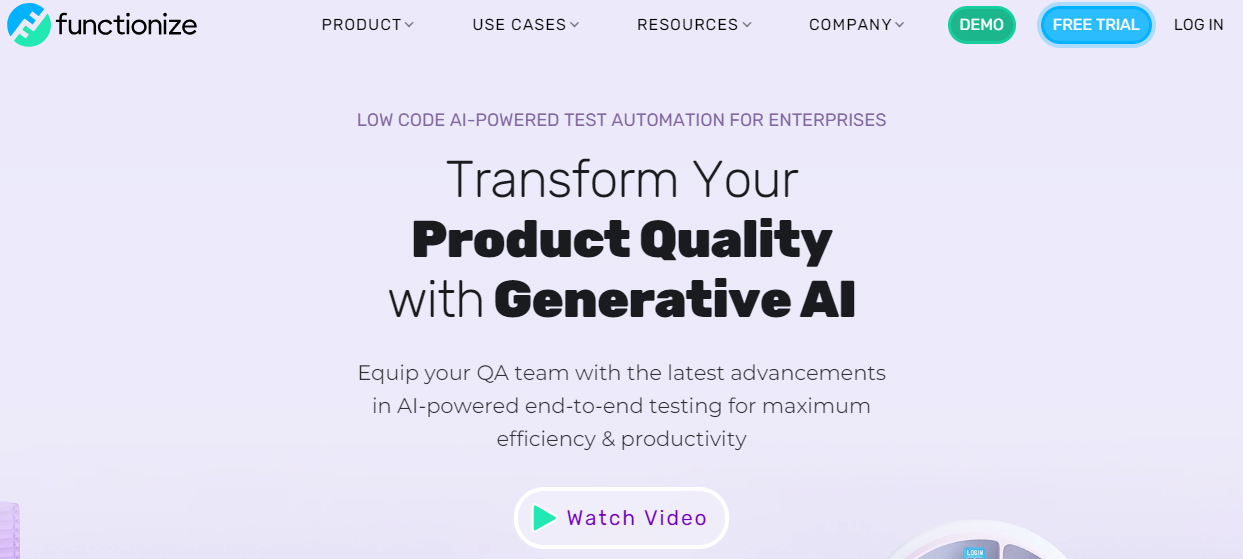
Functionize.com is a low-code AI-powered test automation platform for enterprises to accelerate testing cycles and reduce costs. This platform leverages AI and machine learning to streamline the testing process, boost efficiency and productivity, and ensure high-quality software releases.
Key Features
- Self-healing capability, enabling it to adjust to changes in a software development life cycle.
- Supports testing across web browsers and other devices and emulators for a seamless user experience across different platforms.
- Leverages big data analytics to identify potential bottlenecks and areas for improvement within your testing process.
- Seamless integration with CI/CD pipelines and popular testing tools.
- Facilitates communication between testers, developers, and product teams, allowing them to share test results, report bugs, and track progress within a centralized platform.
Pricing
- Free trial available
- Contact the team to get a quote
7. ACCELQ

ACCELQ is an AI-driven, cloud-based codeless test automation platform for streamlining testing across web, mobile, and API applications. This platform focuses on enabling collaboration, automation, and increased efficiency for QA teams.
Key Features
- Empowers testers to create and maintain automated tests without extensive scripting knowledge using a simple, user-friendly interface and built-in functionalities.
- Automates testing across web applications, mobile apps (native and hybrid), and APIs.
- Integrates seamlessly with popular development and project management tools like Jira, Azure DevOps, Jenkins, and Bamboo. Also integrates with CI/CD pipelines
- Automates test planning and traceability with requirements, and also centralizes test asset management.
- Enables communication and collaboration within QA teams.
Pricing
Free trial for
- Web testing
- Mobile testing
- API testing
- Manual testing
How to choose an AI test automation platform
The right choice depends on who owns testing after the tool arrives. An autonomous agent suits teams who want end-to-end, regression and exploratory coverage without a test codebase to maintain. An all-in-one suite suits teams consolidating several tools onto one dashboard. A visual specialist suits teams whose failures are layout problems rather than functional ones.
One thing worth deciding before you buy: how much of your suite runs on every change. Running everything every time is not the goal. Daniel Mauno Pettersson, QA.tech's CEO, puts the arithmetic plainly. Take a hundred tests. Change something that touches five of them and run all hundred anyway. At a one percent flake rate you will have a test failing every run, as a matter of pure probability. Running only what matters brings that down, because you are running less.
Evaluating outsourced QA? Here is how QA.tech compares with QA Wolf.